Ableton Live 12: Music Production and Features Guide
Master Musical Creation: Ableton Live Free Download
Digital music production has become an accessible and constantly evolving discipline. Ableton Live, an industry-leading digital audio workstation (DAW) software, offers a powerful and versatile creative environment. This article will take you step-by-step through the process of downloading the free 30-day trial of Ableton Live, its initial exploration, and how you can evolve from there, starting with the Live Lite (LE) version, an affordable option to continue your musical journey. Are you passionate about electronic music and want to learn how to create it from scratch? We invite you to join our Ableton Live course. Get started for free with your first unit and discover the software fundamentals! Join now: creatívomusic.com/curso-ableton.**
Step 1: Access the Ableton Live Official Page
-**The Scientific Basis:**Â Downloading software from official sources guarantees authenticity and security, avoiding malware and altered versions
Procedure:
-Open your favorite web browser.
-Go to the official Ableton website: https://www.ableton.com/es/trial/
Step 2: Download the 30-Day Trial
**The Scientific Rationale:**Â The trial version provides full access to the software’s functionalities, allowing for an objective evaluation of its usefulness.
Procedure:
-Select the operating system (Windows or mac OS) compatible with your computer.
-Enter your email in the form provided.
-Click\Download.
-Wait for the installer to download. The time may vary depending on your internet connection.
Step 3: Ableton Live Installation
 Correct installation ensures that all necessary dependencies and components are placed in the correct paths in the system, preventing runtime errors.
Procedure:
-Locate the downloaded file (usually in the\Downloads\ folder).
-Run the installer.
-Follow the instructions on the screen. It is recommended to accept the default installation path to avoid problems.
-Once the installation is complete, run Ableton Live.
Step 4: ENJOY!!!Activate the 30-Day Trial
 Activation is a verification process that validates the temporary license, guaranteeing access to all software functions during the trial period.
Procedure:
-When running Ableton Live for the first time, you will be prompted to log in to your Ableton account. If you don’t have one, you can create one for free.
-Once you log in, your free 30-day trial will be activated automatically.
Step 5: Initial Exploration of Ableton Live
**The Scientific Foundation:**Â Guided exploration allows you to become familiar with the interface, workflows and basic tools, optimizing the learning of the software.
Procedure:
-Familiarize yourself with the two main views: Session View (for improvisation and creation of loops) and Arrangement View (for editing and organizing the song structure).
-Explore the file browser (on the left) where you will find instruments, effects and samples.
-Experiment with instruments and effects by loading them into MIDI and audio tracks.
-Start recording and editing clips, experimenting with the functions of the oop and the editing tools.
-Check out Ableton’s tutorials and official documentation to delve into more advanced features.
Step6:The Next Step:Ableton Live LE
The Scientific Rationale: Once the 30-day trial is complete, the LE (Lite Edition) version is a more affordable way to continue exploring the capabilities of Ableton Live, albeit with some limitations in terms of number of tracks and features.
Acquisition of Live LE:
-Live LE is usually included with concert hardware or applications (MIDI controllers, audio interfaces, etc.) from various manufacturers.
-Search the web for audio equipment distributors or on the Ableton website for partners that offer it.
You can often register a serial number included with your hardware to get a free copy of Ableton Live LE.
Exploring Live LE:
-Live LE provides access to the basic features of Ableton Live.
-You’ll be able to familiarize yourself with the fundamental workflows, experiment with the included instruments and effects, and create your own compositions.
Although limited compared to the full version, Live LE is a valuable tool for consolidating your skills.
Step 7: Evolving from Live LE
-The Scientific Foundation: Continuous progression is fundamental to developing mastery in any discipline.
Procedure:
Explore our course. The first module is free and very complete and includes gifts:
-creatívomusic.com/curso-ableton
Consider the update:
-If the LE version falls short, you can consider upgrading to a higher version of Ableton Live (Intro, Standard, or Suite), which unlocks advanced functionality and greater production capacity.
-Look for offers and discounts to make the transition more economical.
Practice consistently:
Regular practice is essential to develop your skills. Spend time experimenting, composing, and exploring the different functionalities of the software.
This scientific tutorial has guided you through the process of downloading, initial exploration and evolution with Ableton Live. From downloading the trial to opting for Live L and the path to upgrading, you now have the foundation to embark on your digital music journey. Remember that constant practice and continuous exploration are the key to mastering this powerful tool. Start creating music today!
Sound is the bridge between chaos and harmony. Use the hardware to your advantage.—Ander B
Do you want your next track to sound in the big leagues? More than 500 tracks produced at MPCEstudio BCN. Book an online or in-person session at our studio in L’Hospitalety and elevate your Sound to the mainstream standard.
🚀Take your Sound to the Next Level
Are you looking for a professional sound, analog mix or exclusive instrumentals? At MPCEstudio Barcelona we work with the best hardware in the industry so that your music competes in the big leagues.
👉Contact us via Whats App to book your session or request a custom pr es up or this.
📸 Fotograma Específico de Referencia (Fotograma 1)
Fuente y Atribución: Captura de pantalla técnica extraída en el minuto exacto del tutorial educativo por Ableton Official / Reid Stefan.

- Detalle Técnico: Organización de 32 stems por grupos de color y atajos de teclado rápidos.
- Ver Vídeo Completo: Ver instante exacto en YouTube
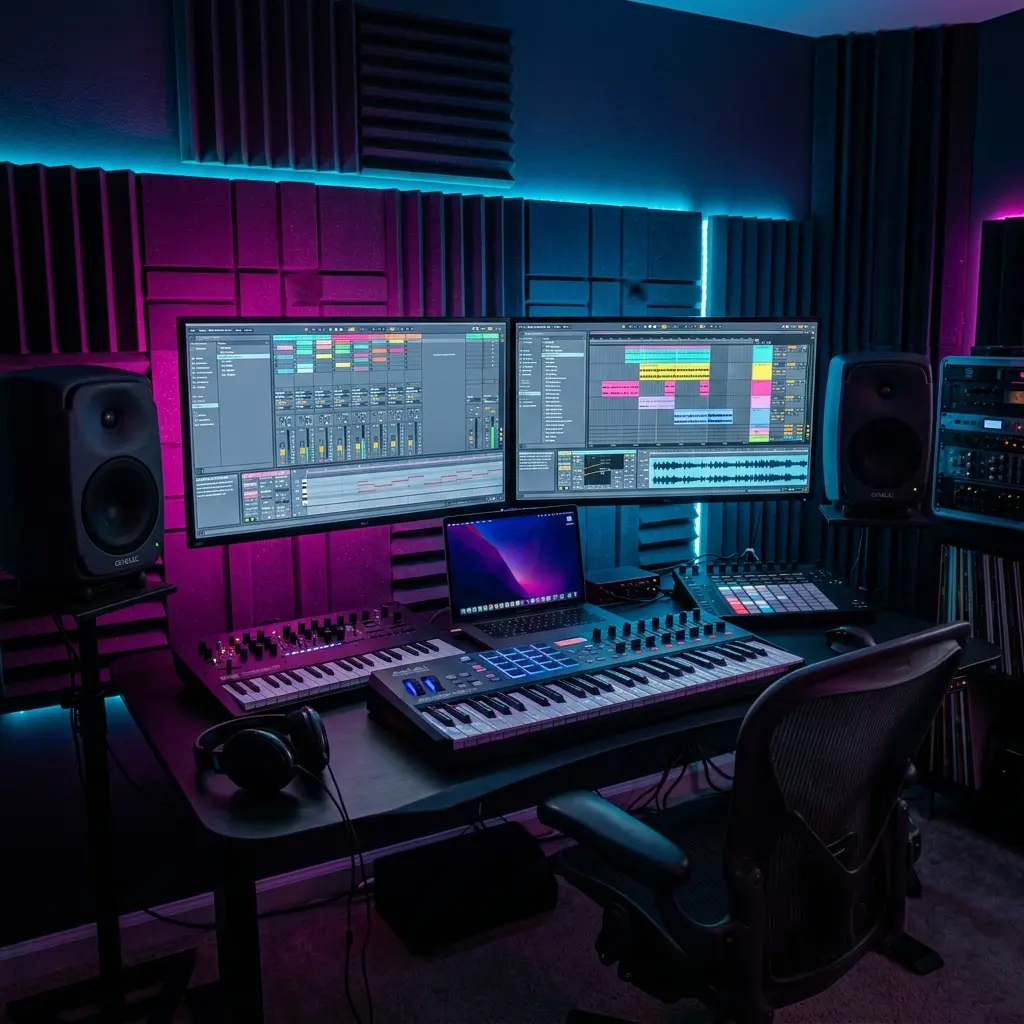
🎛️ Equipamiento Técnico & Cadena Analógica en Estudio (Imagen 2)

Control de calidad de exportación máster a -14 LUFS para vinilo y plataformas de streaming.
📸 Demostración Práctica en Pantalla (Fotograma 3)

Captura de Referencia: Explicación técnica de procesado extraída del canal de autoridad Waves Audio / Pensado’s Place. Configuración de ratio 4:1 y ataque de 30ms para pegar la mezcla máster.
READY TO ELEVATE YOUR TRACKS TO THE NEXT LEVEL?
Don't let your talent get lost in bedroom-quality demos. Work 1-on-1 with Ander B at our Barcelona studio (Neve 1073, SSL, AKAI MPC) or train at our exclusive analog academy.