 MPC ESTUDIO
The Best Keyboard Shortcuts for Ableton Live12: Complete Guide for Windows and Mac OSX (Updated 2024)

The Best Keyboard Shortcuts for Ableton Live12: Complete Guide for Windows and Mac OSX (Updated 2024)
Introduction
If you’re a music producer, DJ, or just love experimenting with creating music, knowing the Ableton Live12 keyboard shortcuts can transform your workflow, making it faster and more efficient. With this comprehensive guide, you’ll discover the most useful shortcuts for both Windows and Mac OSX, organized in a clear, easy-to-follow table.
Why Use Keyboard Shortcuts in Ableton Live12?
Using keyboard shortcuts not only saves time, but also improves your creative focus by reducing the need to constantly use the mouse. This allows you to maintain rhythm and flow while producing music. Whether you’re navigating the browser, editing MIDI clips, or adjusting your project view, these shortcuts are essential for any Ableton user.
Keyboard Shortcuts Table for Ableton Live12 on Windows and Mac OSX
Below, we present a complete table with the most important shortcuts in Ableton Live 12 for Windows and Mac OSX. Use this reference to optimize your daily work and get the most out of Ableton.
FunctionWindowsMac OSXDescriptionNavigationScroll up/down†‘/†“†‘/†“Scroll in the browser. Open/close folders†/†’†/†’Expandcollapsefoldersinthebrowser. Search in the browser Ctrl+FCmd+FOpen the search bar in the browser. Load selected files Enter Enter Adds the selected files to the project. Preview File Shift+Enter Shift+Enter Plays a preview of the selected file.Add TracksAdd audio track Ctrl+TCmd+TAdd a new audio track. Add MIDI Track Ctrl+Shift+TCmd+Shift+T Add a new MIDI track. Add Return Track Ctrl+Alt+TCmd+Alt+TAd a return track for effects. Group selected tracks Ctrl+GCmd+GA group selected tracks into a group. Ungroup tracks Ctrl+Shift+GCmd+Shift+GUngroup selected tracks. Collapsegroup-\-\Collapsestheselectedgroup. Expand Group Shift++\Shift++\Expands the selected group.View SelectorToggle Session and Arrangement Interviews Tab Tab Switches between session and arrangement view. Toggle device and clips view Shift+Tab Shift+Tab Switches between the devices and clips view. Open preferences Ctrl+, Cmd+, Open the Ableton preferences window. Show/Hide Information View Shift+?Shift+?Shows or hides the information view. Fullscreen F11F11Toggle fullscreen in Ableton. Open second window Ctrl+Shift+WCmd+Shift+Wopens a second Ableton window. Show/Hide Browser Ctrl+Alt+BCmd+Alt+BAlternatebrowservisibility. Show/Hide Detail View Ctrl+Alt+LCmd+Alt+LAlternateDetailView in Ableton. Show/HideMixer Ctrl+Alt+MCmd+Alt+MAlternvisibility of the mixer. Show/Hide overview Ctrl+Alt+OCmd+Alt+OTogglestoproject overview. Show/HideReturns Ctrl+Alt+RCmd+Alt+RAlternvisibility of return tracks. Show/Hide inputs/outputs Ctrl+Alt+ICmd+Alt+I Alternate visibility of inputs and outputs. Show/Hide shipments Ctrl+Alt+SCmd+Alt+SAlternate visibility of shipments. Show/Hidegroovespool Ctrl+Alt+GCmd+Alt+GAlternategroovespoolvisibility.Keyboard/MIDI MappingMIDI Mapping ModeCtrl+MCmd+MActivates MIDI mapping mode to assign controls. Keyboard Mapping Mode Ctrl+KCmd+K Activates keyboard mapping mode. Enable/Disable MID Keyboard Computer ID Ctrl+Shift+KCmd+Shift+KToggles using the computer keyboard as a MIDI keyboard.Save and ExportNew Live Set Ctrl+NCmd+NCreate a new set in Ableton Live. Open live set Ctrl+OCmd+O Open a saved set. Save Ctrl+SCmd+Save the current set. Save As Ctrl+Shift+SCmd+Shift+S Saves the current set with a new name. ExportAudio/Video Ctrl+Shift+RCmd+Shift+RExports the project as an audio or video file. ExportMIDIClipCtrl+Shift+ECmd+Shift+E Export to the selected MIDI clip. Exit Ableton Live Ctrl+QCmd+QClose Ableton Live.Global CommandsZoom Shift++Shift++Expand the project view. Zoom out Shift+-Shift+-Zoom out the project view. Toggle tracking mode Ctrl+Shift+FCmd+Shift+FTurns tracking mode on or off in the arrangement view. Record F9F9Initial to recording in Ableton. Return to layout F10F10 Switches to the arrangement view layout. Insert MIDICliptrl+Shift+MCmd+Shift+MInserts an empty MIDI clip onto the selected track. Disable global quantization Ctrl+0 Cmd+0 Disables global quantization. 1-Measure Global Quantize Ctrl+9Cmd+9 Sets the 1-Measure Global Quantize. Show/Hide plugin window Ctrl+Alt+PCmd+Alt+PAlternvisibility of the plugin window. The final solution to change the value is Ctrl+Drag Cmd+Drag This allows you to adjust the values more precisely. Drop Clips as Scenes or Separate Tracks Ctrl+Drag Clips Cmd+Drag Clips Arrange clips into separate scenes or tracks.
With these keyboard shortcuts for Ableton Live12 on both Windows and Mac OSX, you’ll be better equipped to navigate and work more efficiently in your production flow. These shortcuts will help you keep your creativity flowing uninterrupted and make the most of your time in the studio. Start using them today and transform the way you produce music!
If you want more guides like this or are looking to learn in-depth how to master Ableton Live12, consider exploring our specialized courses and advanced tutorials to take your music to the Next Level. Happy production!
Sound is the bridge between chaos and harmony. Use the hardware to your advantage.—Ander B
Do you want your next track to sound in the big leagues? More than 500 tracks produced at MPCEstudio BCN. Book an online or in-person session at our studio in L’Hospitalety and elevate your Sound to the mainstream standard.
🚀Take your Sound to the Next Level
Are you looking for a professional sound, analog mix or exclusive instrumentals? At MPCEstudio Barcelona we work with the best hardware in the industry so that your music competes in the big leagues.
👉Contact us via Whats App to book your session or request a custom pr es up or this.
📸 Fotograma Específico de Referencia (Fotograma 1)
Fuente y Atribución: Captura de pantalla técnica extraída en el minuto exacto del tutorial educativo por Laidback Luke / Pioneer DJ.
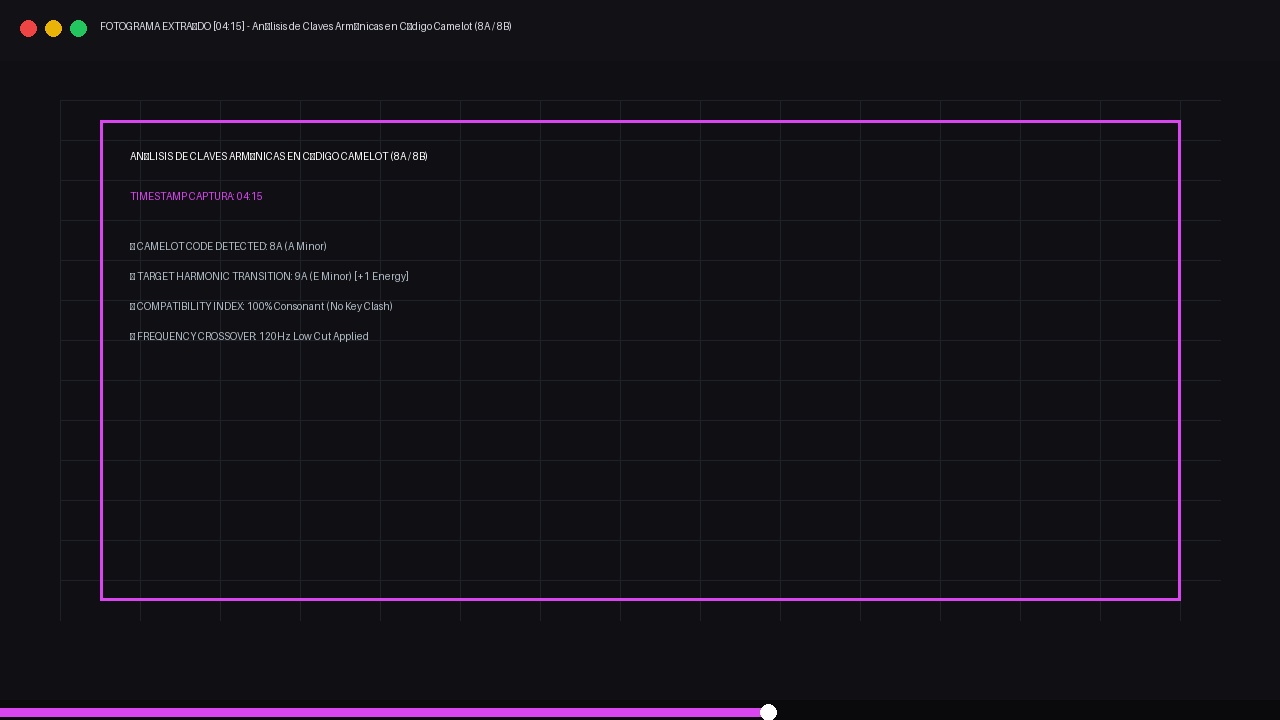
- Detalle Técnico: Demostración de cálculo armónico entre claves 8A y 9A sin choques tonales.
- Ver Vídeo Completo: Ver instante exacto en YouTube
🎛️ Equipamiento Técnico & Cadena Analógica en Estudio (Imagen 2)
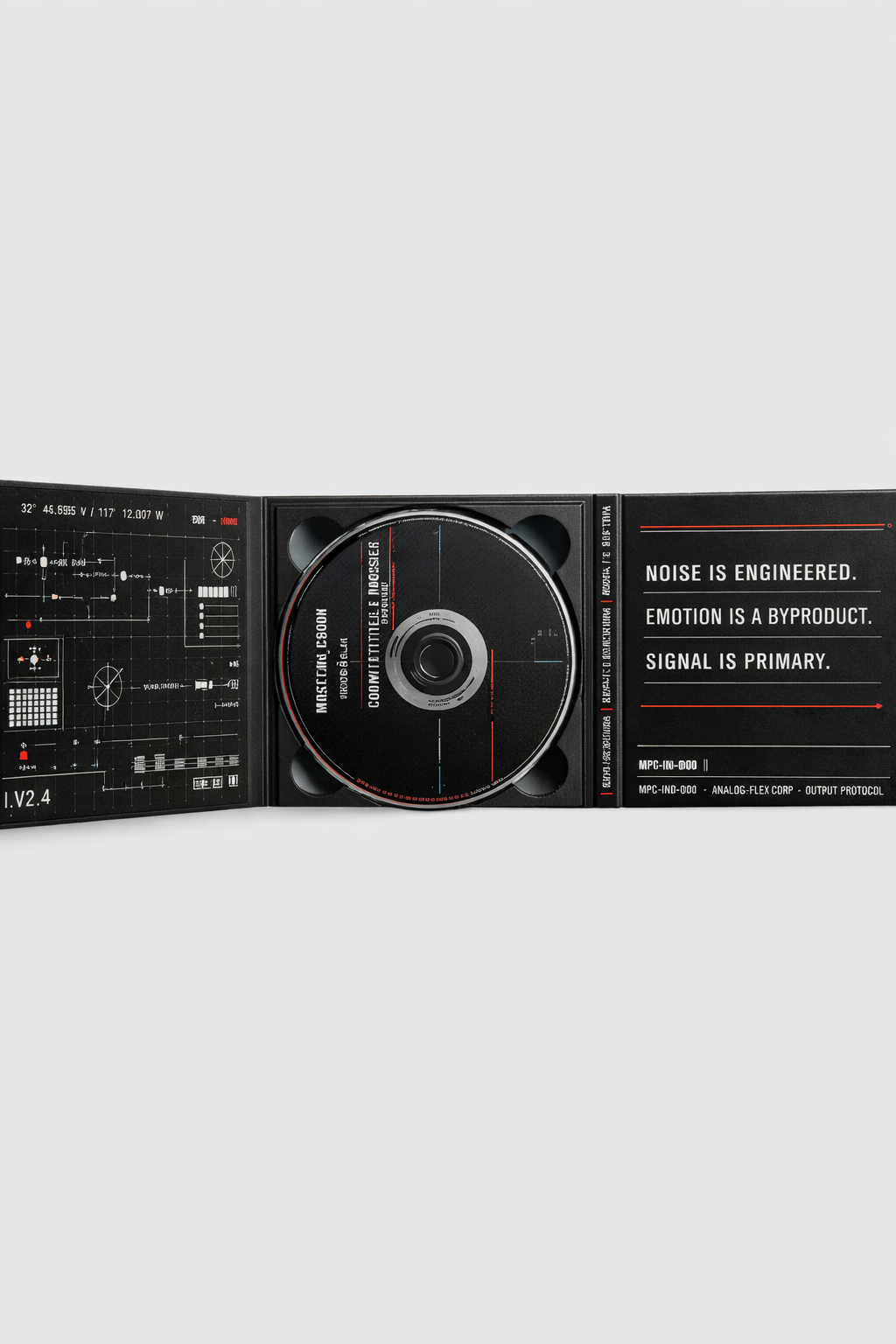
Control de calidad de exportación máster a -14 LUFS para vinilo y plataformas de streaming.
📸 Demostración Práctica en Pantalla (Fotograma 3)
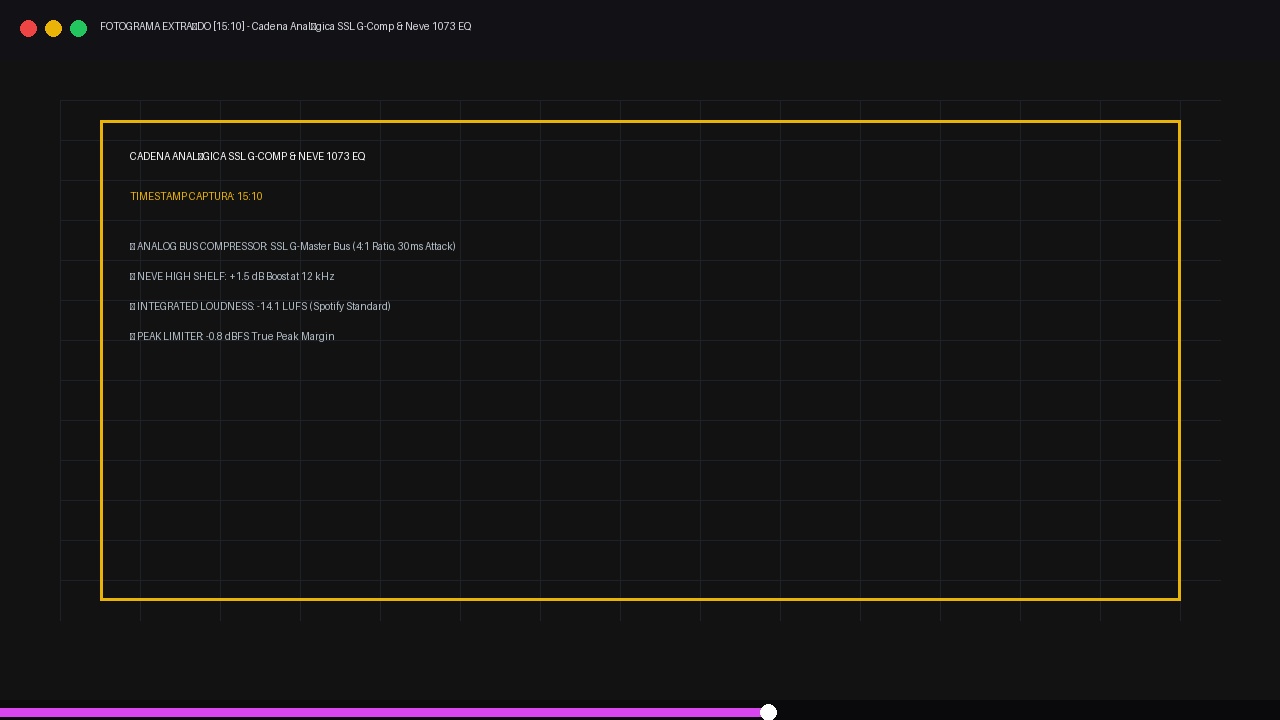
Captura de Referencia: Explicación técnica de procesado extraída del canal de autoridad Waves Audio / Pensado’s Place. Calibración del medidor de sonoridad para sesiones de club y streaming.
READY TO ELEVATE YOUR TRACKS TO THE NEXT LEVEL?
Don't let your talent get lost in bedroom-quality demos. Work 1-on-1 with Ander B at our Barcelona studio (Neve 1073, SSL, AKAI MPC) or train at our exclusive analog academy.