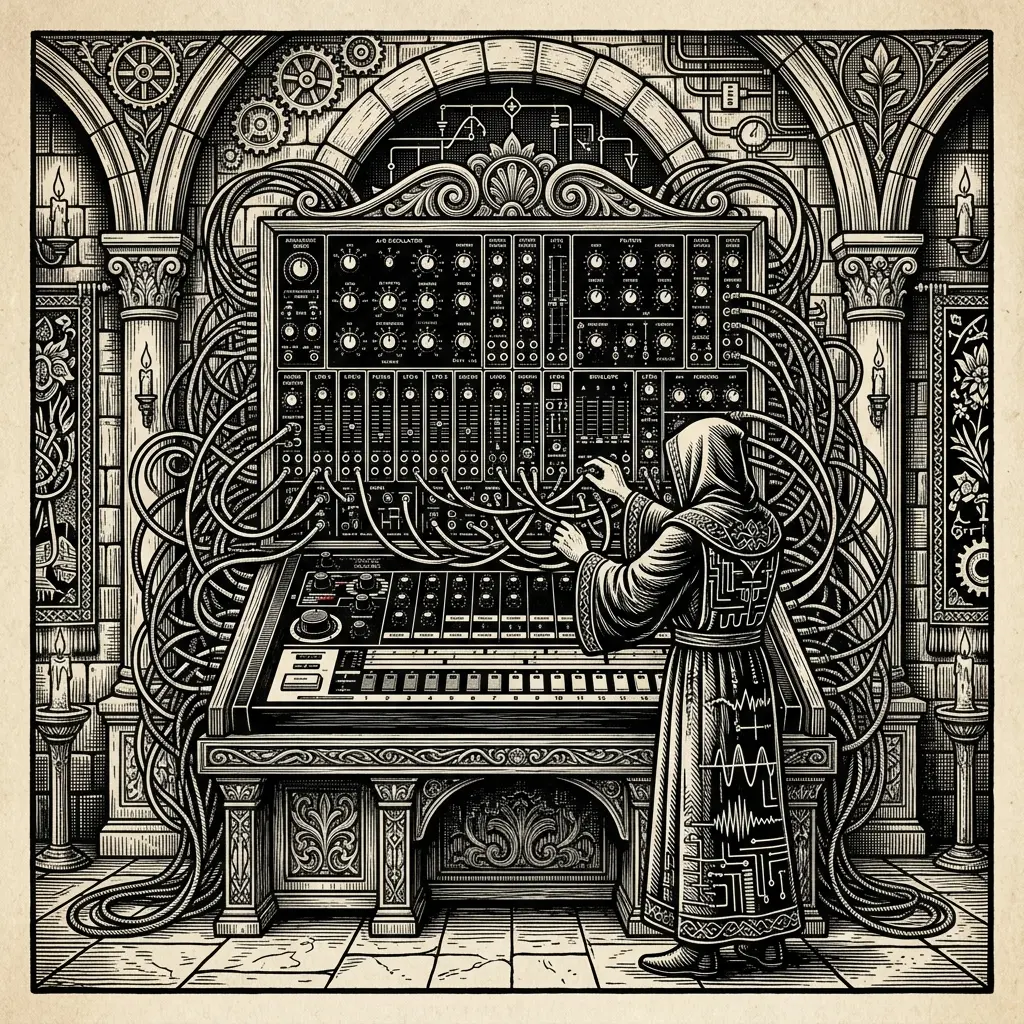
MIDIWhat is midi?Definitive Guide
In this article you will learn everything about my structured form according to index:
-What is MIDI? What is the MIDI language? -MIDIUSB keyboard -How do you connect a MIDI keyboard to a PC? -What are MIDI devices? -What is MIDI in USB? What is MIDI input? -MIDIUSB cable for piano -The Connection between MIDI Devices MIDI Port What are MIDI inputs? -What are midi outputs? -Why use the MID Id output candle on the keyboard? -Can I connect multiple MIDI devices? -What is MIDIThru and what is it for? -MIDISync: MIDISync Electronic Musical Device Synchronization -MIDIMaster -MIDISlave -MIDIFollower -Practical examples of using MIDISync:
Discovering the world of MIDI consists of revealing a powerful technology for both Musicians and Producers.
If you use any DAW (Digital Audio Workstation) for music production, you’re probably familiar with MIDI. But**What is MIDI?**It is a standard protocol in music production, used to interconnect various audio equipment, computers, keyboards, synthesizers, rhythm boxes, sequencers and much more.
It is a very powerful tool and can be somewhat confusing to understand at first, since it has various applications.
**Some examples of professional MIDI keyboards with different characteristics: **Keyboards to get started, our recommendation.
For this reason we have created this guide with everything you need to know about MIDI and its different applications.
What is MIDI?
MIDI, in English Musical Instrument Digital Interface, is a technological standard that allows electronic musical instruments to communicate with each other and with computers.
📸 Fotograma Específico de Referencia (Fotograma 1)
Fuente y Atribución: Captura de pantalla técnica extraída en el minuto exacto del tutorial educativo por Laidback Luke / Pioneer DJ.

- Detalle Técnico: Demostración de cálculo armónico entre claves 8A y 9A sin choques tonales.
- Ver Vídeo Completo: Ver instante exacto en YouTube
What is MIDI?
When we talk about MIDI we understand that it is a communication language between digital devices in the context of music and [recording studio] (/servicios/estudio-de-grabacion-rap-barcelona). For example, using the Midicontroller and a DAW with a MIDIUSB keyboard, thus using virtual instruments.
MIDI emerged in 1982, it is also responsible for the musical change that took place in the 80s, when synthpop reigned, it was called disco and everyone used MIDI in their productions. It was invented by Roland founder Ikutaro Kakehashi and Dave Smith and for their contribution to the music industry they received a Technical Grammy in 2013.
What is MIDI in the context of a music studio?
In a music studio, MIDI is used to control synthesizers, record tracks, and produce digital music, offering flexibility in music production.
What is a homemade MIDIUSB cable?
A homemade MIDIUSB cable is a custom MIDI cable created by a user to adapt a MIDI connection to a USB port using commercially available components.
What is MIDI3.5mm?
MIDI3.5mm refers to the use of 3.5mm connectors to transmit MIDI signals, which can be useful for devices that use this type of connector.
🎛️ Equipamiento Técnico & Cadena Analógica en Estudio (Imagen 2)

Control de calidad de exportación máster a -14 LUFS para vinilo y plataformas de streaming.
What is MIDI language?
The MID language is not a language in the traditional sense, but rather a set of standardized commands used to communicate how music should be interpreted by electronic devices.
MIDIUSB keyboard
A MIDIUSB keyboard is the most common format that we can find. There are controller keyboards of all sizes and features. There are two-octaves to some that replicate the keys of a real piano with all the weight and playing feel.
A MIDIUSB keyboard does not generate sound on its own. What it does is send the message when a key or note is pressed so that the sound of the instrument is generated in the DAW. These signals are sent to synthesizers, sequencers and computers, in order to generate sound or to control music software. The MIDI keyboard has keys that resemble those on a traditional piano, but instead of producing sound on their own, they send digital messages to other devices, allowing the musician to endlessly create and manipulate sound.
It is an essential tool for composers, producers and musicians of all types, as it gives them great flexibility and creativity in musical production. With a MIDI keyboard, you can record and play back music, adjust sound parameters in real time, and perform all kinds of sound experiments. Plus, it can be connected via standard MIDI cables or via USB connections, making it compatible with a wide range of music equipment and software. In short, a MIDI keyboard is a versatile and essential device for anyone interested in music and music production.
Typically, MIDIUSB keyboards come with buttons, pads (drum pads), sliders, mod wheel, and pitch. These plugins will help us modulate the sound and also control different parameters of the virtual instrument that we are running from the computer.
How do you connect a MIDI keyboard to a PC?
A MID keyboard is connected to a PC via a MIDI to USB cable or a MIDIUSB interface, which connects to the computer’s USB port.
MIDI is a language that electronic musical instruments use to communicate with each other. Some of the things that can be said in MIDI are:
-The sequence number of a song
-Text events, such as the song name or instrument name or
-Tempo settings, which indicate how fast the music should be played
-Time settings, which indicate how many notes there are in each measure
-Pitch settings, which indicate whether the music is in a major or minor key
-Special events that can be used by different music programs
You can find more detailed information about these MIDI events at this link: https://www.lim.di.unimi.it/IEEE/MIDI/META. HTM
What are MIDI devices?
MID devices are instruments, controllers, or electronic equipment that use MIDI signals to communicate and control music production.
What is MIDI in USB?
Some MID Ino keyboards and controllers include a USB connection to the computer and use a pin-5 cable known as a MIDI Cable which requires a MIDI pin-5 input to be connected. Some audio interfaces include MIDI input and output. If you do not have these inputs you must use a MIDI to USB Cable.
What is MIDI input?
MIDIUSB cable for piano
If it is an electronic piano with MIDI output, it is best to be able to connect it to the computer. To connect you will need a pin-5 MIDI Cable and a MIDI input on your computer. If you do not have an input on your computer, we recommend that you purchase a USB MIDI Cable
As we had said, MIDI is a language between devices. To communicate, they need inputs and outputs to interconnect them. An input will allow you to send messages to a virtual instrument in your DAW.
The Connection between MIDI Devices
MIDI devices have revolutionized the music industry by allowing communication and control between different musical equipment and devices. Proper connection between these devices is essential to ensure efficient and smooth data transmission. In this article, we will explore the different methods and cables used to establish a reliable MIDI connection.
MIDI port
What are midi inputs?
MIDI interfaces are devices that allow you to send MID Id information in and out of your computer via USB or Firewire (the latter a bit discontinued). Some even have multiple pairs of MIDI inputs to connect all the keyboards and devices you need in your studio. MID Keyboard Controls are a special type of MIDI interface with a built-in input device.
What are midi outputs?
A MIDIOUT port allows a device to send MIDI data. A MIDIIN port allows a device to receive MIDI data.
Why use the MID Id output candle on the keyboard?
Musical Instrument Digital Interface, or MIDI, cables are used to connect keyboards and other electronic musical devices to computers. This is because the data flow indicated by the pins denotes the direction in which the data will flow to the computer, and not the port on the instrument to which each cable must connect.
Can I connect multiple MIDI devices?
Yes, you can connect multiple MIDI devices using a MIDI interface or a MIDIHUB. This allows you to control and connect to multiple devices simultaneously, opening up endless possibilities for creating music and exploring different sounds.
What is MIDIThru and what is it for?
MIDIThrus is a function that allows MIDI signals received on a MIDI input port to be retransmitted through one or more MIDI output ports, useful for the distribution of MIDI signals.
MIDISync:Synchronization of Electronic Musical Devices
Small introduction: Synchronization of electronic musical devices via MIDISync is essential to ensure that all instruments and equipment play in perfect harmony. In this section, we will explore in detail how MIDISync works, as well as its practical applications in creating and performing electronic music. From the role of master and slave devices to examples of use in music production, you’ll discover everything you need to know to master MIDI synchronization.
MIDISync
In the world of electronic music, it is common to use several MIDI devices together to create music. MIDISync is the process of making sure all of these devices are playing at the same rhythm. This is especially useful when using drum machines, synthesizers, and sequencers together.
MIDIMaster
A MIDI Master device is one that sends the MIDI sync signal to other devices. For example, a sequencer can be the master that sends the tempo signal to other instruments.
MIDISlave
A key MIDI device is one that receives the MID ID sync signal from another device. For example, a synthesizer can be slave and synchronize with the tempo sent by a sequencer.
MIDIFollower
A MIDIFollow device is one that follows the MID sync signal ID of a master. For example, a beat machine can follow the tempo sent by a sequencer
Practical examples of using MIDISync:
-Synchronizing a drum machine with a sequencer to make sure the rhythm patterns are aligned with the music.
-Synchronization of several synthesizers to play chords simultaneously.
-Using a sequencer as a teacher to control the tempo of a live performance with electronic instruments.
These examples show how MIDISync allows multiple electronic musical devices to work together in a harmonious and synchronized manner.
Sound is the bridge between chaos and harmony. Use the hardware to your advantage.—Ander B
Do you want your next track to sound in the big leagues? More than 500 tracks produced at MPCEstudio BCN. Book an online or in-person session at our studio in L’Hospitalety and elevate your Sound to the mainstream standard.
🚀Take your Sound to the Next Level
Are you looking for a professional sound, analog mix or exclusive instrumentals? At MPCEstudio Barcelona we work with the best hardware in the industry so that your music competes in the big leagues.
👉Contact us via Whats App to book your session or request a custom pr es up or this.
📸 Demostración Práctica en Pantalla (Fotograma 3)

Captura de Referencia: Explicación técnica de procesado extraída del canal de autoridad Waves Audio / Pensado’s Place. Calibración del medidor de sonoridad para sesiones de club y streaming.
READY TO ELEVATE YOUR TRACKS TO THE NEXT LEVEL?
Don't let your talent get lost in bedroom-quality demos. Work 1-on-1 with Ander B at our Barcelona studio (Neve 1073, SSL, AKAI MPC) or train at our exclusive analog academy.